TeraBox Login Problems? How to Fix “Need Verify”, Captcha and OTP Errors (2026)
TeraBox login errors are frustrating because they usually show up right when you need a file. The good news: most of them have simple causes — a VPN, old cookies, a different sign-in method, or a temporary security check on the account. Work through the fixes below in order.
1. Stuck on “Need Verify” or a Security Verification Loop
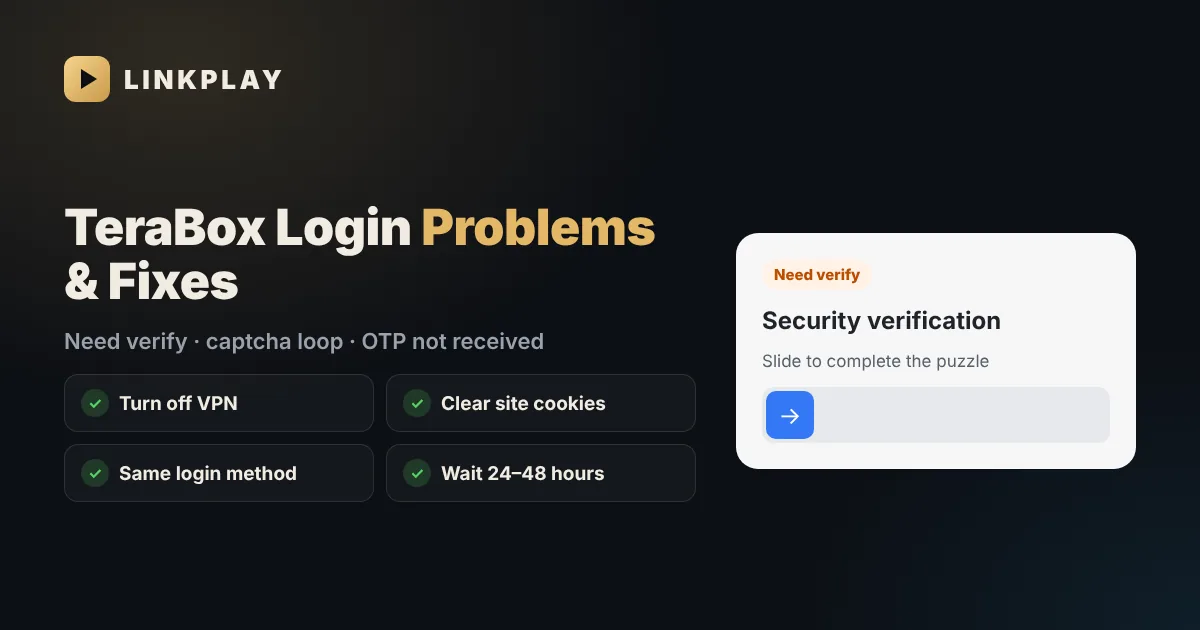
Sometimes TeraBox shows a security check (a slider puzzle or "verify" screen) and keeps showing it again after you solve it. This normally means TeraBox has seen something unusual — a new device, a new country or many sign-ins in a short time — and wants to make sure it is really you.
- 1Turn off any VPN, proxy or "data saver" that changes your location, then reload.
- 2Complete the puzzle slowly and fully. Don't refresh the page while it is checking.
- 3Clear cookies and site data for terabox.com and 1024terabox.com, then sign in again.
- 4Try the official TeraBox app if the website keeps looping (or the website if the app loops).
- 5Add or confirm your email and phone number in TeraBox's account security settings.
- 6If it still loops, stop trying for 24–48 hours. Repeated attempts can extend the check; a short break usually clears it.
2. OTP or Verification Code Not Received
- Wait before resending — codes can take up to a minute. Pressing resend many times can block new codes for a while.
- Check spam and promotions folders if the code comes by email.
- Check the country code on your phone number (for India, +91).
- Try the other method — if SMS fails, sign in with email, or the other way round.
- Turn off DND / SMS blocking apps that may hide messages from unknown senders.
3. Google, Facebook or Apple Sign-In Not Working
A very common cause: the account was created with one method and you are signing in with another. If you first signed up with Google, signing in with the same email and a password won't work — use Continue with Google again. Also allow pop-ups for TeraBox in your browser, because the Google or Facebook window opens as a pop-up.
4. “Wrong Password” or Forgot Password
Use Forgot password on the TeraBox sign-in screen and reset it from the email or phone linked to the account. Choose a new password you haven't used on other sites. If the reset email never arrives, check that you are using the same email you signed up with.
5. Keeps Logging You Out
- Private / incognito mode deletes your session when the window closes.
- Browser cleaners and "clear cookies on exit" settings sign you out every time.
- Cookie blockers and strict tracking protection can break the sign-in. Allow cookies for terabox.com.
- Old app version — update TeraBox from Google Play or the App Store.
6. App Shows a Network Error During Login
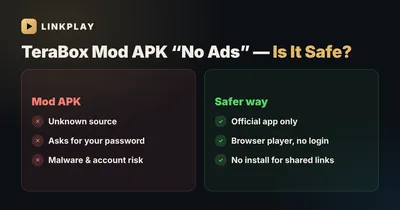
Switch between Wi-Fi and mobile data, make sure your phone's date and time are set to automatic, and update the app. If you installed TeraBox from a website instead of the Play Store, uninstall it and install the official version — modified apps often fail to sign in. Read our TeraBox Mod APK guide for why.
Stay Safe While Fixing Login Problems
- Never type your TeraBox password into a third-party website, bot or "downloader". LinkPlay never asks for it.
- Don't share OTP codes with anyone — not even someone claiming to be TeraBox support.
- Turn on every verification option TeraBox offers (email and phone) once you are back in.
Watch Shared TeraBox Videos Without Logging In
If your goal is to open a link someone sent you, the login isn't needed. Public share links can be opened on LinkPlay with no account: paste the link, tap Generate Link, and watch or download. On Telegram, send the link to @OfficialLinkplay_bot. See also how to watch TeraBox without the app.
If you only need to watch or save a video someone shared, you can skip the login entirely — see watch TeraBox without the app or login.
Frequently Asked Questions
Why does TeraBox keep asking me to verify?
TeraBox shows a security check when it sees unusual activity, such as a new device, a VPN or many sign-ins in a short time. Turn off VPNs, clear TeraBox cookies, verify your email or phone, and if it keeps looping, wait 24–48 hours before trying again.
Why am I not getting the TeraBox OTP?
The code can take up to a minute. Check spam folders, the country code on your number and SMS-blocking apps. Avoid pressing resend many times, as that can delay new codes.
Can I watch a TeraBox link without logging in?
Yes. Public share links can be opened without an account. Paste the link on LinkPlay or send it to @OfficialLinkplay_bot on Telegram.
Is it safe to enter my TeraBox password on a downloader site?
No. A downloader only needs the public share link. Any site, app or bot that asks for your TeraBox password should be avoided. LinkPlay never asks for it.
Does clearing cookies fix TeraBox login problems?
Often, yes. Old or broken cookies can cause sign-in loops. Clear site data for terabox.com and 1024terabox.com, then sign in again with the same method you used to create the account.
Only need to watch a shared video? No login required.
Open LinkPlay